Assisted living technology is most useful when it supports safety, independence, communication, and personal choice without making daily life feel overly complicated. For residents and families in Wilkes-Barre, PA, technology may include familiar tools such as emergency call systems, medication reminders, electronic health records, video communication, and devices that help staff respond to changing needs.
Technology does not replace personal care. Its purpose is to help residents remain connected, reduce avoidable risks, and give care teams better information for making thoughtful decisions.
What types of technology are commonly used in assisted living?
Assisted living communities may use technology in several areas of daily life, including health monitoring, communication, security, activities, and building operations. The specific tools differ by community and by each resident’s needs.
Common examples include:
- Emergency call pendants, wrist devices, wall buttons, and pull cords
- Motion sensors and door alerts
- Electronic medication records and reminder systems
- Digital care plans and health documentation
- Video calls and electronic messaging
- Automated lighting, temperature controls, and door access systems
- Tablets or large-screen devices for entertainment and activities
- Transportation scheduling and electronic appointment reminders
Some tools are visible to residents, while others operate in the background. For example, staff may use a secure electronic record to review a resident’s care needs, document a change in condition, or share information with authorized members of the care team.
How does technology improve resident safety?
Technology can help staff recognize emergencies more quickly, but it is not a substitute for attentive human support. Emergency call systems allow a resident to request help after a fall, sudden illness, difficulty moving, or another urgent event.
Fall-detection devices may identify a hard impact or unusual movement. However, they can produce false alarms, and not every fall is detected. A resident should still know how to activate a call button manually and should be shown what to do if a device is not working.
Other safety tools may include:
- Door alerts for residents who are at risk of wandering
- Stove shutoff devices for residents with memory loss
- Motion-sensitive lighting to reduce nighttime trips
- Sensors that notify staff about unusual activity, such as a resident remaining in bed longer than usual
- Building alarms and emergency communication systems during power outages or severe weather
Seasonal conditions can make safety planning especially relevant for local households. Snow, ice, shorter winter daylight, and occasional power interruptions may affect transportation, outdoor mobility, and emergency preparedness. Technology can help staff monitor building conditions and communicate changes, but residents should also have practical plans for clothing, mobility aids, medications, and family communication.
Can technology help older adults remain independent?
Yes. The right technology can support independence by helping residents complete tasks with less assistance. Independence does not mean doing everything alone. It means having appropriate control over daily choices while receiving help where it is needed.
Examples include:
- Voice-controlled lights or television settings
- Large-button phones and simplified tablets
- Digital calendars for appointments and activities
- Reminder systems for hydration, meals, or medications
- Hearing-support features and captioned video calls
- Electronic door access that reduces the need to carry keys
- Accessible transportation scheduling tools
Technology should be matched to the person, not selected simply because it is new. A resident who is comfortable with a smartphone may welcome digital reminders. Another resident may prefer a large wall clock, a written schedule, or a simple telephone.
The most effective systems are easy to see, hear, operate, and understand. Devices should have readable text, strong contrast, clear instructions, and controls that do not require fine motor precision.
How is technology used for medications and health information?
Medication technology can reduce confusion by helping staff track what was given, when it was given, and whether a dose was missed or delayed. Electronic medication records may also make it easier to identify patterns, such as repeated refusals, side effects, or changes in a resident’s routine.
Electronic health records can organize information about allergies, diagnoses, mobility needs, dietary restrictions, appointments, and care preferences. This can improve communication among authorized staff members, especially when several people support the same resident.
Families should understand that digital records do not automatically mean every relative can see private information. Access is generally limited according to privacy rules, consent, and the responsibilities of the people involved in care. Families can ask what information is shared, who can view it, and how updates are communicated.
Does technology replace human interaction?
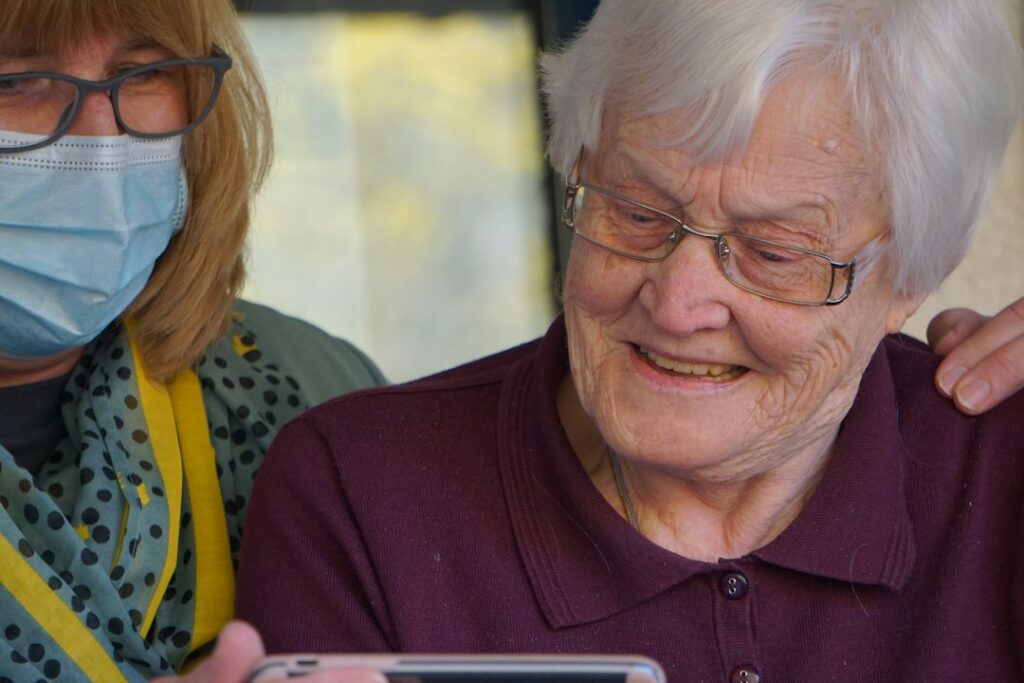
No. Technology can support communication, but it cannot replace relationships, observation, or judgment. A video call may help a resident speak with family members who cannot visit easily, but it does not provide the same experience as sitting together in person.

Staff also learn important information through ordinary conversation and observation. A resident may not report feeling unwell through a device, yet a staff member may notice a change in walking, appetite, mood, speech, or participation. These details are essential to good care.
Technology works best when it reduces paperwork and repetitive tasks so staff have more time for direct interaction. It becomes less helpful when residents feel monitored rather than supported, or when devices create barriers to conversation.
What privacy concerns should families consider?
Privacy questions should be discussed before a resident begins using monitoring or communication technology. Families may want to ask:
- What information does the device collect?
- Is audio or video recorded, or does the system only detect movement?
- Who receives alerts?
- How long is information stored?
- Can the resident turn the device off?
- What happens if the internet, power, or device battery fails?
- How is consent handled if memory loss affects decision-making?
Residents have personal preferences and rights that should be respected. A monitoring system may be helpful in one situation and uncomfortable in another. The purpose, limits, and response process should be explained in plain language.
Privacy also includes the proper handling of passwords, photographs, messages, and video calls. Shared devices should be protected, and residents should not be pressured to use social or communication tools they do not understand.
What happens when technology fails?
Every technology plan should include a backup. Devices can lose power, batteries can expire, internet connections can fail, and alerts can be misunderstood. Severe weather can make backup planning especially important for homes and communities in northeastern Pennsylvania.
A reliable backup may include:
- A tested emergency call method that does not depend on a personal smartphone
- Posted emergency numbers
- Battery checks and replacement schedules
- Staff procedures for power or network interruptions
- Written medication and contact information
- A plan for notifying families during extended disruptions
Residents should know how to report a malfunction. A device that is uncomfortable, difficult to charge, or frequently triggers false alarms may not provide meaningful safety.
How can residents and families choose appropriate technology?
Start with the actual problem rather than the device. Ask whether the goal is preventing falls, remembering medications, staying in touch, improving hearing, managing appointments, or supporting nighttime safety.
Then consider the resident’s abilities, preferences, and routines. A useful system should be simple enough to use consistently and flexible enough to change as needs develop.
Before accepting a new device, ask for a demonstration. The resident should be able to practice calling for help, charging the device, responding to alerts, and explaining what happens after an alert is sent. Technology should remain a tool that supports dignity, safety, and connection—not another source of confusion.